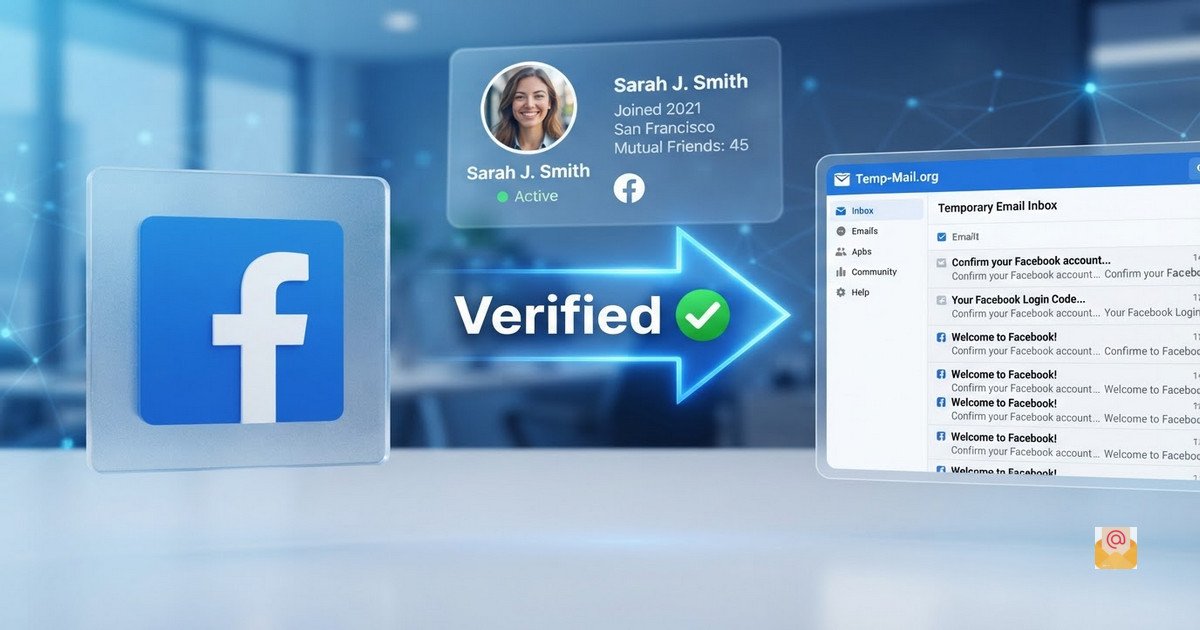
Temp Mail for Facebook Verification: Free & Instant Email
Facebook is the world's largest social media platform, with billions of users across the globe. To create a Facebook account, you need to verify your email address. But what if you do not want to use your personal email? A temp mail for Facebook verification is the perfect solution.
In this guide, we will explain how to use a temporary email address for Facebook verification, why it is useful, and how BurnerMail.cloud makes the process instant and free.
What Is Temp Mail for Facebook Verification?
A temp mail for Facebook verification is a disposable email address that you can use to receive Facebook's verification email or code. Instead of giving Facebook your real email address, you generate a temporary one, use it for verification, and let it expire.
This is especially useful if you are creating a Facebook account for testing, a temporary project, or a purpose you are not sure about. It keeps your real inbox clean and protects your identity.
Why Use a Temporary Email for Facebook?
There are several reasons why users choose temp mail for Facebook verification:
- No Spam: Facebook sends notifications, updates, and promotional messages. A temp mail keeps all of that out of your real inbox.
- Privacy Protection: Your real email is not linked to your Facebook account, keeping your identity private.
- Quick Setup: No registration is required. Generate an address and verify your Facebook account in seconds.
- Testing: Developers and marketers can test Facebook features without using their personal email.
- One-Time Use: Perfect for accounts you do not plan to keep long-term.
How to Use Temp Mail for Facebook Verification
Using BurnerMail.cloud to verify your Facebook account is simple. Follow these steps:
- Visit BurnerMail.cloud: Open the website in any browser on any device.
- Generate an Address: Click "Generate New Address" to create a unique temp mail instantly.
- Copy the Address: Use the copy button to save it to your clipboard.
- Enter in Facebook: Paste the temp mail address into Facebook's signup form.
- Wait for Verification Email: Keep the BurnerMail.cloud tab open. Your inbox auto-refreshes every 30 seconds.
- Enter the Verification Code: Once the Facebook email arrives, open it and copy the code or click the verification link.
- Complete Signup: Your Facebook account is now verified and ready to use.
The entire process takes less than a minute, and you never have to expose your real email address.
Does Facebook Accept Temp Mail Addresses?
Facebook, like many platforms, sometimes blocks known disposable email domains. However, many users successfully use temp mail services to verify Facebook accounts. The success rate depends on:
- The domain of the temporary email address.
- Facebook's current anti-disposable email policies.
- Whether the address has been used before.
- Your region and account type.
BurnerMail.cloud generates addresses on multiple domains, which increases the chances of successful verification.
What If the Facebook Verification Email Does Not Arrive?
If you do not receive the Facebook verification email, try these steps:
- Check the Address: Make sure you copied the temp mail address correctly.
- Wait 1-2 Minutes: Sometimes Facebook takes a moment to send the email.
- Refresh the Inbox: Click the refresh button or wait for the auto-refresh.
- Check Spam: Although temp mail does not have a spam folder, check all messages carefully.
- Generate a New Address: If the email still does not arrive, generate a new temp mail address and try again.
Is It Safe to Use Temp Mail for Facebook?
For one-time or low-risk Facebook accounts, yes. A temp mail is safe for testing, temporary projects, and accounts you are unsure about. However, there are some important considerations:
- Do Not Use for Important Accounts: If you plan to keep the Facebook account long-term, use your real email.
- No Account Recovery: If you lose access to the temp mail, you cannot recover your Facebook account.
- No Password Reset: You cannot reset your Facebook password without access to the email.
- Verification Issues: Facebook may require phone verification for some accounts, which temp mail cannot bypass.
When Should You Use Temp Mail for Facebook?
Temp mail is ideal for these Facebook scenarios:
- Creating a temporary account for testing.
- Following a community or trend without using your real email.
- Testing Facebook ads or marketing campaigns.
- Creating multiple accounts for research purposes.
- Signing up for a Facebook feature you will only use once.
When You Should NOT Use Temp Mail for Facebook
Avoid using temp mail for:
- Your main Facebook account.
- Accounts linked to your identity or business.
- Accounts you want to keep for years.
- Facebook accounts used for monetization or business pages.
Privacy and Security: What You Need to Know
When you use a temp mail for Facebook verification, you are trusting the service with your incoming emails. At BurnerMail.cloud, we take that trust seriously. We do not log your activity, we do not sell your data, and we do not store emails beyond 24 hours.
However, because temporary email addresses are anonymous, anyone with the address could potentially access the inbox. Therefore, never use a temp mail for sensitive information, password resets, or two-factor authentication.
Related Articles You Should Read
- Temp Mail Gmail: How to Use a Temporary Gmail Address for Free
- Temporary Gmail Generator Free Website: Get an Instant Disposable Email
- Disposable Gmail Address for Signup: Free & Instant Protection
- Temp Gmail for OTP Verification: Free & Instant Code Receiver
- Free Temporary Email Address Generator: Instant & No Signup
- 10 Minute Mail Temporary Email: Free Instant Disposable Inbox
- Temp Mail for Discord Verification: Free & Instant Email
- Temp Mail for Twitter Verification: Free & Instant Email
- Temp Mail for Instagram Verification: Free & Instant Email
- BurnerMail.cloud Homepage – Free Temporary Email Service
Conclusion: Verify Facebook with Temp Mail Today
Your email inbox is valuable. Do not let Facebook notifications, promotional messages, and unwanted emails clutter it. With a temp mail for Facebook verification from BurnerMail.cloud, you can protect your privacy, avoid spam, and keep your real inbox clean—all in just a few clicks.
Visit BurnerMail.cloud today and generate your first temp mail address for Facebook verification. No registration, no spam, complete privacy.
External Resources:
- Learn about Facebook email verification and account security from Facebook Help Center.
- Read about how to recognize and avoid phishing scams from the FTC.