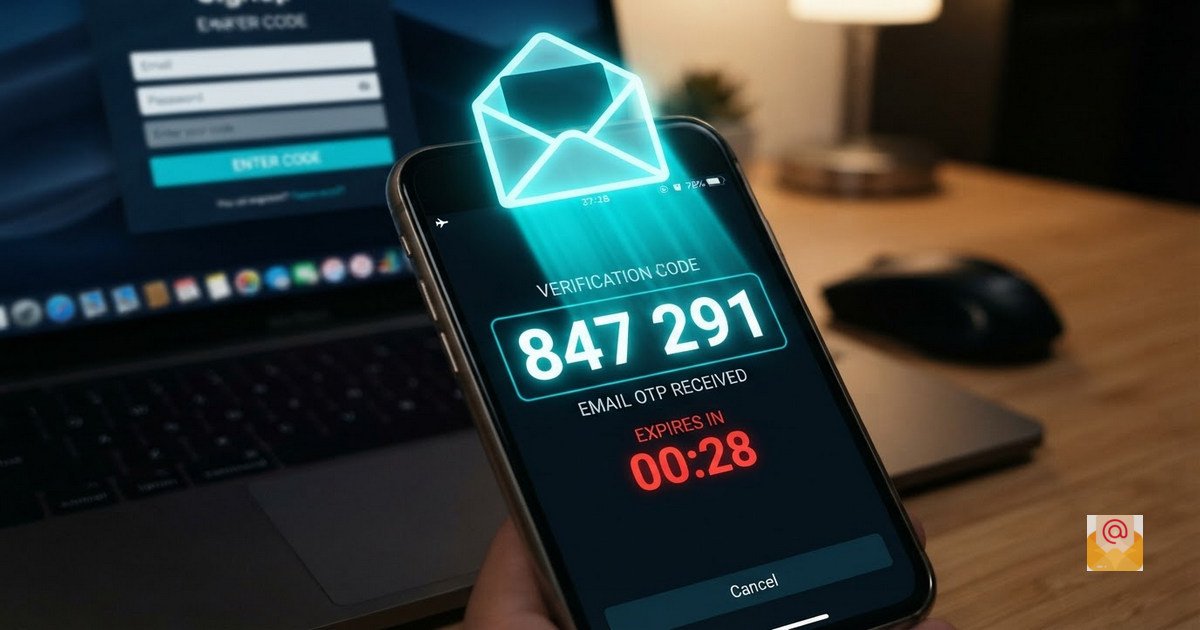
Temp Gmail for OTP Verification: Free & Instant Code Receiver
One-Time Passwords (OTPs) have become the standard for verifying accounts across the internet. Whether you are signing up for a new app, confirming a transaction, or accessing a gated service, you are often required to enter a code sent to your email. But what if you do not want to give out your real email address? A temp Gmail for OTP verification solves this problem perfectly.
In this guide, you will learn how to use a temporary Gmail address to receive OTP codes instantly, safely, and for free with BurnerMail.cloud.
What Is a Temp Gmail for OTP Verification?
A temp Gmail for OTP verification is a temporary email address that looks and functions like a regular Gmail account. It is generated instantly, used to receive a one-time password or verification link, and then discarded. Unlike your permanent Gmail, it does not require a phone number, personal details, or a password.
These temporary addresses are ideal for situations where you need to verify an email but do not want to expose your real inbox to spam, marketing lists, or potential data breaches.
Why Use a Temporary Gmail for OTP Codes?
There are several reasons why millions of users rely on temporary email addresses for OTP verification:
- No Spam: Your real inbox stays clean because you never give it out to untrusted websites.
- Instant Setup: No registration or personal information is required. The address is ready in seconds.
- Complete Privacy: No personal data is collected, so advertisers cannot track you.
- Unlimited Use: You can generate as many temporary Gmail addresses as you need.
- Free Forever: BurnerMail.cloud is 100% free with no hidden charges.
How to Receive OTP on a Temp Gmail Address
Using BurnerMail.cloud to receive OTP codes is simple. Follow these steps:
- Visit BurnerMail.cloud: Open the website in any browser on any device.
- Generate an Address: Click "Generate New Address" to create a unique temp Gmail instantly.
- Copy the Address: Use the copy button to save it to your clipboard.
- Enter in Verification Form: Paste the temp Gmail address wherever the website asks for your email.
- Wait for OTP: Keep the BurnerMail.cloud tab open. Your inbox auto-refreshes every 30 seconds.
- Copy the OTP: Once the email arrives, open it and copy the OTP code.
- Complete Verification: Paste the OTP into the verification form and proceed.
The entire process takes less than a minute, and you never have to expose your real email address.
How Fast Do OTP Codes Arrive?
Most OTP codes arrive within 5 to 30 seconds of being sent. BurnerMail.cloud uses an auto-refresh system that checks for new messages every 30 seconds, so you never have to manually reload the page. If the OTP does not arrive within a minute, check your spam folder or try generating a new temp Gmail address.
Which Websites Accept Temp Gmail for OTP?
Many websites accept temporary Gmail addresses because they look like regular Gmail accounts. However, some platforms use advanced detection systems to block disposable domains. Here is a general idea:
- Usually Accepted: Free trials, newsletters, forums, downloadable content, and app testing.
- Sometimes Blocked: Social media platforms, e-commerce sites, and some financial services.
- Never Use: Banking, government portals, and any account tied to your identity.
Is It Safe to Use a Temp Gmail for OTP?
For low-risk services, yes. A temp Gmail is safe for free trials, downloads, and one-time registrations. However, because these addresses are anonymous and shared, anyone with the address could potentially access the inbox. Therefore, never use a temp Gmail for:
- Banking or financial accounts.
- Social media accounts you want to keep long-term.
- Government portals or job applications.
- Any account where you need to recover a password later.
Why OTP Might Not Arrive on Your Temp Gmail
If your OTP is not arriving, here are the most common reasons:
- Website Blocks Disposable Domains: Some platforms specifically block temporary email services.
- Typo in Email Address: Make sure you copied the temp Gmail address correctly.
- Delay in Sending: Some services take a few minutes to send the OTP. Wait 2-3 minutes and refresh.
- Address Expired: Temp Gmail addresses expire after 24 hours. Generate a new one if needed.
Privacy and Security Considerations
When you use a temp Gmail for OTP verification, you are trusting the service with your incoming codes. At BurnerMail.cloud, we take that trust seriously. We do not log your activity, we do not sell your data, and we do not store emails beyond 24 hours.
However, because temporary email addresses are anonymous, never use them for sensitive information, password resets, or two-factor authentication on important accounts.
Related Articles You Should Read
Conclusion: Receive OTP Codes Instantly with Temp Gmail
Your email inbox is valuable, and you should not have to expose it every time a website asks for verification. With a temp Gmail for OTP verification from BurnerMail.cloud, you can receive codes instantly, protect your privacy, and keep your real inbox clean—all in just a few clicks.
Visit BurnerMail.cloud today and generate your first temporary Gmail address for free. No registration, no spam, complete privacy.
External Resources:
- Learn about two-step verification and OTP security from Google Support.
- Read about how to recognize and avoid phishing scams from the FTC.