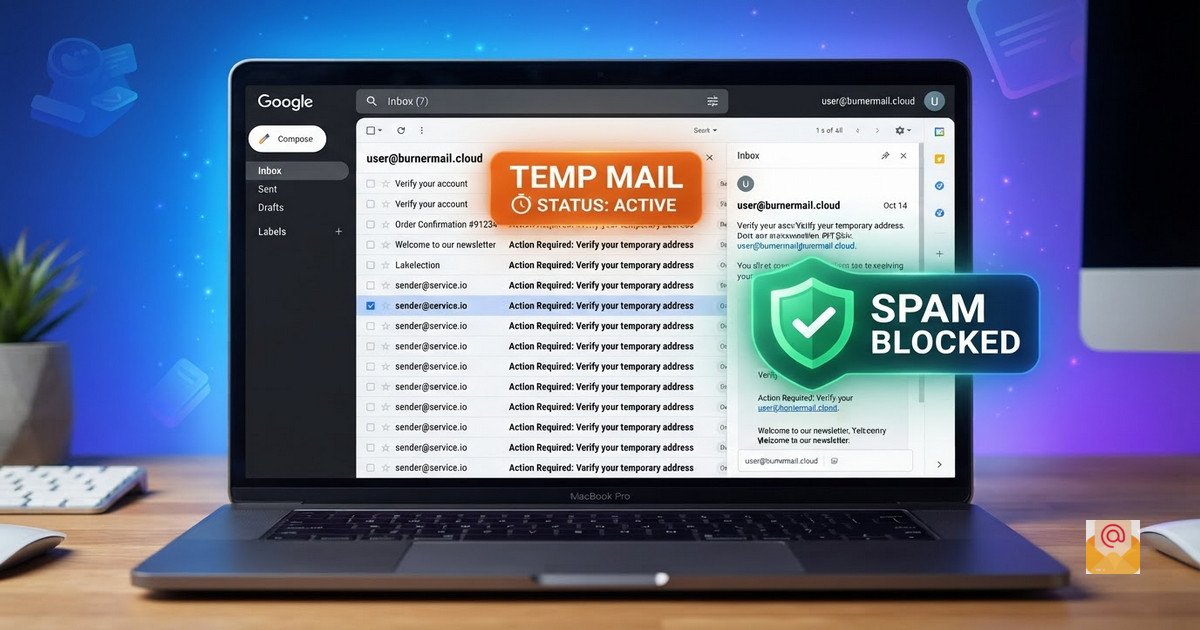
Temp Mail Gmail: How to Use a Temporary Gmail Address for Free
In the modern digital landscape, your email address is more than just a communication tool; it is a key to your digital identity. Every time you sign up for a newsletter, download an e-book, or test a new application, you are required to hand over your email. This often leads to an avalanche of spam, unwanted promotional offers, and potential data breaches.
This is where the concept of temp mail Gmail comes into play. It offers a clever solution: a disposable email address that looks and functions like a standard Gmail account, allowing you to bypass verification checks without exposing your personal inbox.
What is a Temp Mail Gmail Address?
A temp mail Gmail (also known as a temporary Gmail or disposable Gmail) is a service that generates an email address on the gmail.com or googlemail.com domain for short-term use. Unlike a standard Gmail account that requires a phone number, personal details, and a complex password, a temporary Gmail is instant and anonymous.
Many users prefer a temporary Gmail over traditional disposable email services because some websites block well-known burner domains (like @mailinator.com or @10minutemail.com). A Gmail-formatted address often slips past these filters, ensuring your verification email actually arrives.
Why You Need a Temporary Gmail Address Generator
Using your primary email address for every online interaction is risky. Here are the primary reasons why a free temp Gmail should be part of your privacy toolkit:
- Spam Prevention: Once you give your real email to a platform, you have no control over how it is used. A temporary address acts as a filter, absorbing the spam and then disappearing.
- Privacy Protection: Your email address is a unique identifier. By using a temp mail Gmail, you prevent data brokers and advertisers from linking your online activity to your real identity.
- Bypass Verification Hurdles: Some platforms specifically require a Gmail address for signup. A Gmail temp mail generator allows you to meet this requirement without creating a permanent account.
How BurnerMail.cloud Works as Your Gmail Temp Mail Generator
At BurnerMail.cloud, we focus on simplicity and privacy. Unlike complex services that require API keys or registration, our tool is designed for instant use.
Here is the simple workflow to get your temporary Gmail address:
- Generate: Click the "Generate New Address" button. Our system creates a unique temporary address instantly.
- Copy: Use the copy button to save the email address to your clipboard.
- Use: Paste this address into any website that requires an email for signup or verification.
- Receive: Keep the BurnerMail.cloud tab open. Your temporary inbox will auto-refresh, and any incoming email—including OTP codes and verification links—will appear within seconds.
When Should You Use a Disposable Gmail?
A temp mail Gmail is an excellent tool for specific scenarios. However, it is crucial to understand its limitations to use it effectively.
Best Use Cases
- Signing up for free trials that you don't plan to continue.
- Downloading "gated" content like white papers or software demos.
- Testing your own applications or registration flows as a developer or QA specialist.
- Accessing forums or communities you are unsure about.
When You Should NOT Use It
Never use a temporary Gmail for accounts you need to keep permanently. This includes:
- Banking and financial services.
- Social media accounts you want to keep (Instagram, Facebook, etc.).
- Government portals or job applications.
- Any account tied to your personal identity or financial data.
Privacy and Security Considerations
While a temp mail Gmail is great for spam prevention, it is important to remember that these inboxes are not meant for sensitive information. Most disposable email services, including BurnerMail.cloud, delete emails after a set period (usually 24 hours) to ensure privacy and free up resources.
Because these addresses are shared or generated anonymously, anyone with the link or the right timing could potentially access the inbox. Therefore, never use a temporary Gmail address for password resets, two-factor authentication (2FA), or account recovery for your important accounts.
Conclusion
Managing your digital privacy doesn't have to be complicated. A temp mail Gmail from BurnerMail.cloud provides a fast, free, and effective way to keep your primary inbox clean and secure. Whether you are testing an app, grabbing a free download, or simply avoiding spam, our temporary Gmail generator is the perfect tool for the job.
Start using our free temporary email address generator today and take control of your inbox.
External Resources:
- Learn more about Gmail aliases and addressing from Google Support.
- Read about email privacy best practices from the Electronic Frontier Foundation.